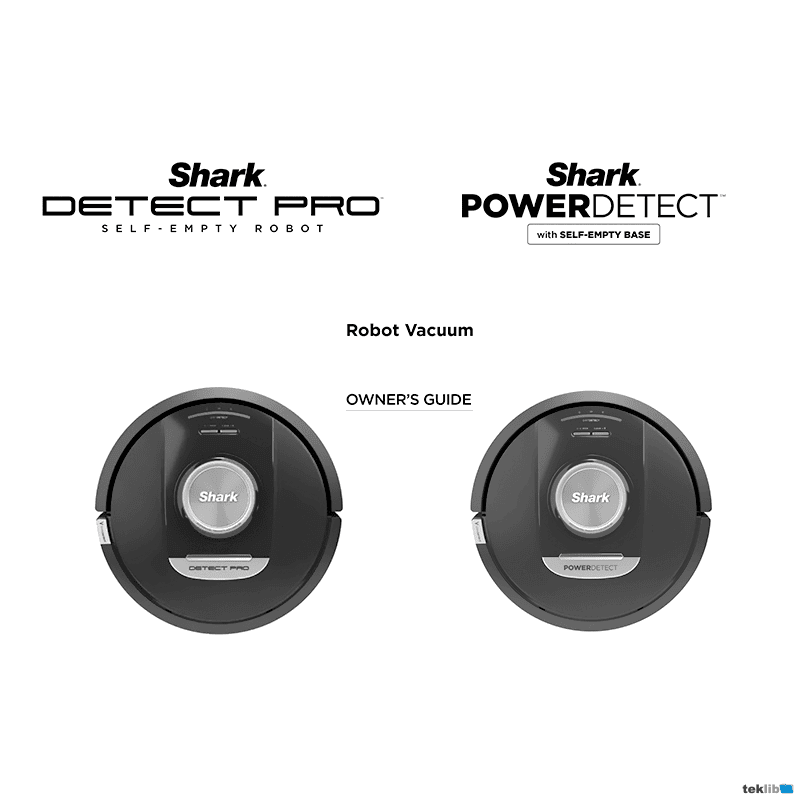
Shark PowerDetect Robot Vacuum RV2820AR Owner’s Guide
Download PDF user manual for SharkNinja Operating / SHARK PowerDetect Self-Emptying Robot Vacuum Model: RV2820AR (EN|FR) 32+60 pages Mv1, Mv4 2025 zip
Description
This PDF user manual is for the Shark PowerDetect robot vacuum model: RV2820AR.
About the Item
Shark PowerDetect Self-Emptying Robot Vacuum Model: RV2820AR
EXPECTED PERFORMANCE
Expected runtime: 60 minutes
Expected charging time: 6 hours
Please read carefully before use. Save these instructions.
Document(s) available
(PDF) OWNER’S GUIDE / GUIDE DE L’UTILISATEUR
Available languages
ENGLISH (EN) | FRANÇAIS (FR)
SUMMARY OF CONTENTS
IMPORTANT SAFETY INSTRUCTIONS
– Laser Warning
– General Warnings
– Use Warnings
– Battery Use
GETTING TO KNOW YOUR SHARK POWERDETECT / DETECT PRO
– Product view
LIVING WITH YOUR ROBOT
PREP YOUR HOME
SELF-EMPTY BASE SETUP
INSTALLING THE SIDE BRUSH
ROBOT INDICATOR LIGHTS
DIRTDETECT
ACTIVELIFT
SIDE BRUSH NOT SPINNING ON CARPET
SELF-EMPTY BASE INDICATOR LIGHTS
CHARGING
DOCK AND CLEAN BUTTONS
– Clean Button
– Dock Button
– Recharge & Resume
USING THE SHARK POWERDETECT / DETECT PRO
USING THE SHARKCLEAN APP AND VOICE CONTROLS
SETTING UP VOICE CONTROL WITH THE GOOGLE ASSISTANT OR AMAZON ALEXA
ERROR CODES
WI-FI TROUBLESHOOTING
USING THE SHARK POWERDETECT
– 3D Sensor and AI Laser Navigation
– Manual cleaning mode
MAINTENANCE
– Maintaining the base dust bin
– Cleaning and replacing the base filters
– Emptying the robot dust bin
– Cleaning the robot’s filter
– Cleaning the sensors and charging contacts
– Cleaning the wall-follow sensors
– Cleaning side brush
– Brushroll
– Troubleshooting
– Lidar module
– Cleaning the wheels
– Cleaning the dirtdetect sensors
REPLACEMENT PARTS
WARRANTY
– What is covered by this warranty?
– What is not covered by this warranty?
– How to get service
– Robot vacuum warranty coverage & parts guide
(PDF) QUICK START GUIDE
SUMMARY OF CONTENTS
2 pages Mv4 2023
– Getting Started
– How to download the SharkClean app
– What’s Included
– Tips and Tricks
– How to Maximize Your Robot Experience
– How to contact Customer Support
Why download the Manual?
This user manual provides all the information from SHARK about the PowerDetect model RV2820AR robot vacuum, as detailed in the table of contents. Reading it completely will address most questions you might have. You can download and save it for offline use, including viewing it on your device or printing it for your convenience if you prefer a paper version.
How to download the Manual?
Download it by clicking the button below
Helped you out?
Glad to hear that. It would be awesome if you could . . .