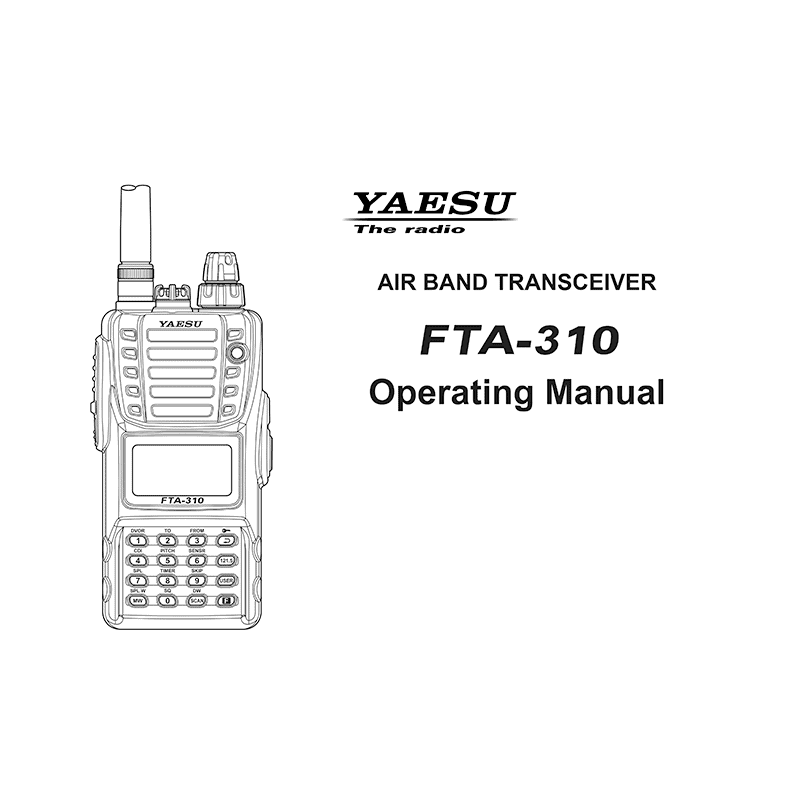
Yaesu FTA-310 Air-Band Transceiver Operating Manual
Download PDF user manual for Yaesu Musen / YAESU Pilot Series Air-Band Transceiver Model: FTA-310 (EN) 64 pages EC057N151 2012 zip
Description
This PDF user manual is for the Yaesu FTA-310 transceiver.
About the Item
Yaesu Pilot Series Air-Band Transceiver Model: FTA-310
The YAESU FTA-310 is a compact, stylish, solid hand-held transceiver providing communication (transmit and receive) capability on the International Aircraft Communication Band (“COM” band: 118 ~ 136.975 MHz), and it additionally provides VOR and CDI navigation features on the “NAV” band (108 ~ 117.975 MHz).
The FTA-310 boasts 0.8 Watt of clean audio output from its 1.4″ (36-mm) diameter loudspeaker, and it also provides 8.33 kHz synthesizer steps for the receiving of the new narrow-band channel plan. The FTA-310 includes both Temperature and Supply Voltage displays with our exclusive Omni-Glow display back-lighting for minimal degradation of your night vision, NOAA weather band monitoring, 8-character Alpha/Numeric Display, 150 Memory Channels, and up to 100 “Book Memory” Channels. The channel configurations are can be easily reprogrammed in minutes using the optional PC Programming Kit and your PC.
We recommend that you read this manual in its entirety, so as to understand the many features of the FTA-310 completely.
Keep this manual handy, so you may use it for reference.
Document(s) available
(PDF) OPERATING MANUAL
Available languages
ENGLISH (EN)
SUMMARY OF CONTENTS
– Important Notice!
– Introduction
– Accessories & Options
– Control & Connectors
– Before You Begin
– Basic Operation
– Advanced Operation
– Memory Operation
– Scanning Operation
– Dual Watch Operation
– Priority Dual Watch Operation
– VOR Navigation
– Programming the USER Key Assignment
– Field Programming Mode
– CPU Resetting
– Menu (“Set”) Mode
– Specifications
– Troubleshooting
– Book Memory Channel List
Why download the Manual?
This operating manual provides all the information from YAESU MUSEN about the model FTA-310 transceiver, as detailed in the tables of contents. Reading it completely will address most questions you might have. You can download and save it for offline use, including viewing it on your device or printing it for your convenience if you prefer a paper version.
How to download the Manual?
Download it by clicking the button below
Helped you out?
Glad to hear that. It would be awesome if you could . . .