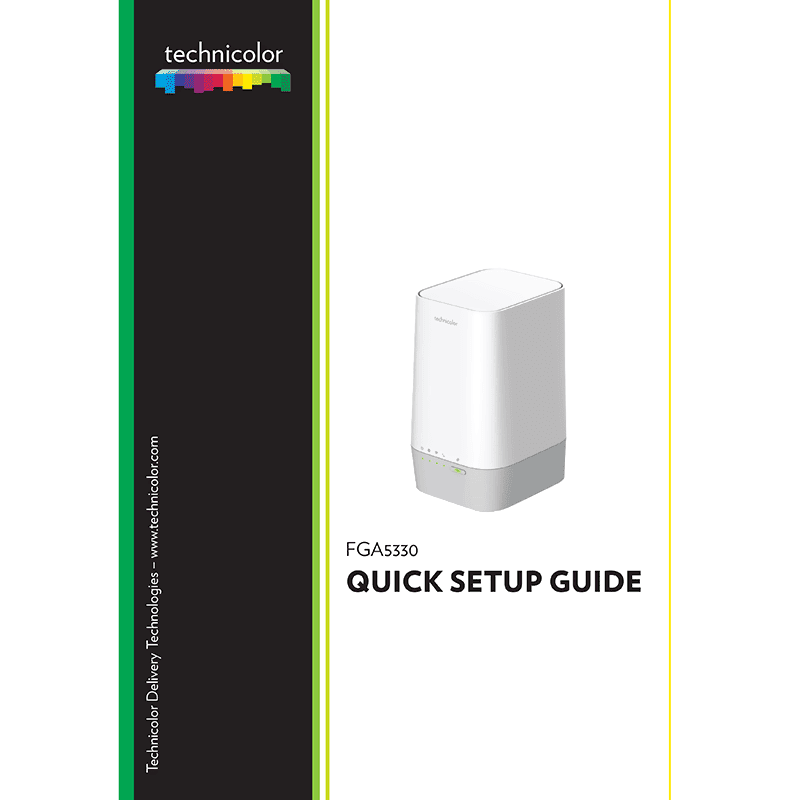
Technicolor FGA5330 Gateway Quick Setup Guide
Download PDF quick start guide for Technicolor FGA5330 Gateway (EN) 13 pages DMS3-QIG-25-671 v1.0 2020 zip
Description
This PDF user guide is for the Technicolor MediaAccess FGA5330 gateway.
About the Item
Technicolor FGA5330 Gateway
Document(s) available
(PDF) QUICK START GUIDE
Available languages
ENGLISH (EN)
SUMMARY OF CONTENTS
1. Before you start
2. Check the content of your package
3. Connect your gateway to the Broadband service
– Option A: Connect as Fiber Gateway
– Option B: Connect as local Ethernet router
4. Connect your telephones to your gateway
5. Power on your gateway
6. Connect your network devices
6.1. Connect your wired (Ethernet) devices
6.2. Connect your Wi‑Fi devices
– Wi‑Fi settings label
– Tips
– Connecting a Wi‑Fi device using WPS Push Button Configuration (PBC)
– Connecting a Wi‑Fi device manually
7. Configure your gateway to your needs (optional)
8. Troubleshooting
8.1. WPS troubleshooting
8.2. How to reset your gateway
– Safety Instructions And Regulatory Notices
The gateway web interface: By default, you are logged in as guest. This means that some items are hidden. To view all items, click Sign In and enter admin as user name and the ACCESS KEY printed on the label of your gateway as password.
Why download the Manual?
This user guide provides all the information from TECHNICOLOR about the model FGA5330 gateway, as detailed in the table of contents. Reading it completely will address most questions you might have. You can download and save it for offline use, including viewing it on your device or printing it for your convenience if you prefer a paper version.
How to download the Manual?
Download it by clicking the button below
Helped you out?
Glad to hear that. It would be awesome if you could . . .